
Ring-all call routing
The default way Phone Clover handles an inbound call, ring every available rep at the same time.
For admins · Updated Sep 23, 2026
All guides
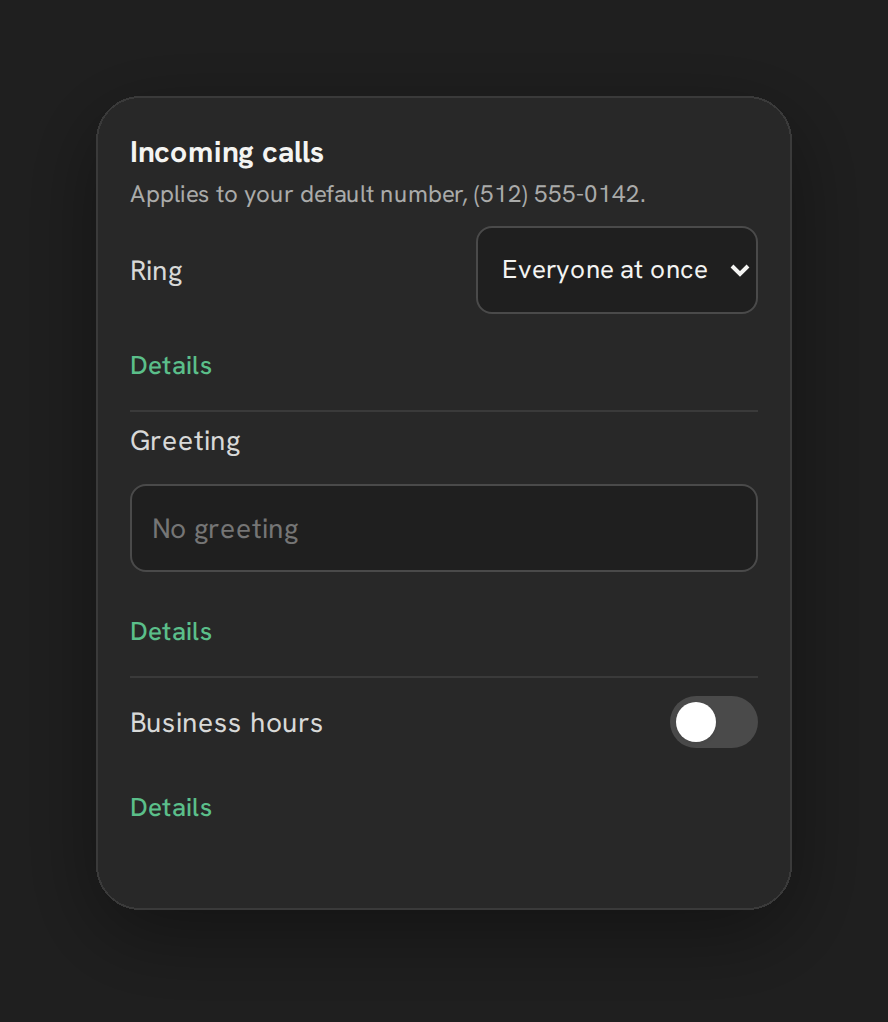
Ring-all, labeled “Everyone at once” in Phone Clover, is the default way an inbound call to your number is distributed to your team. Every available rep’s browser rings at the same time, and whoever picks up first gets the call.
Who can set this up
An admin, from Settings → Calls → “Incoming calls” card. It is already the default when you first set up a number, so there is nothing you need to do to use it.
How it works
When a call comes in, Phone Clover checks which reps are currently ringable: marked Available and seen active within the last 90 seconds. It rings all of them simultaneously in the browser. As soon as one rep answers, the call connects to them and the ring stops for everyone else.
If nobody is ringable, or nobody answers, the call falls through to forwarding or voicemail if you have those set up, or a spoken greeting and hang-up if not. See Forward calls to your mobile phone and Voicemail setup.
Why ring-all is the default
For a small team, ringing everyone at once gives a call the best chance of being answered quickly, since it does not wait on one rep before trying the next. It works well when your reps are mostly online at the same time and any of them can take any call.
Switching to round robin instead
If you want calls to try one rep at a time rather than ringing the whole team, use round robin. See Round-robin call routing for how that works and when it might suit your team better, for example if a shared ring is disruptive or you want to spread calls out more evenly rather than favoring whoever is quickest to answer.
Who gets counted as ringing
Phone Clover’s dashboard “By rep” table counts each rep’s rings and misses per-leg, before ring-all collapses down to a single answered call. That means a rep whose browser rang but who did not pick up still shows as a missed call for them individually, even though the call itself was answered by someone else on the team. See By-rep stats.
Note: Business hours still apply under ring-all. Outside your configured hours, the call skips ringing and goes straight to forwarding, voicemail, or the greeting. See Business hours.
Changing the mode later
You are not locked into ring-all just because it is the default. If your team grows or a shared ring becomes more distracting than helpful, switch to round robin from the same “Incoming calls” card at any time, with no need to reconfigure anything else about the number. The switch takes effect on the next inbound call, there is nothing to save or re-test beyond choosing the option and saving the settings page.
A quick way to picture the difference
Think of ring-all as a group phone that everyone hears at once, and round robin as passing that same phone to one person at a time. Neither one changes how a call is answered once someone picks up, mute, hold, notes, and the outcome screen all work the same. The only difference is how the inbound ring is distributed before anyone answers.