
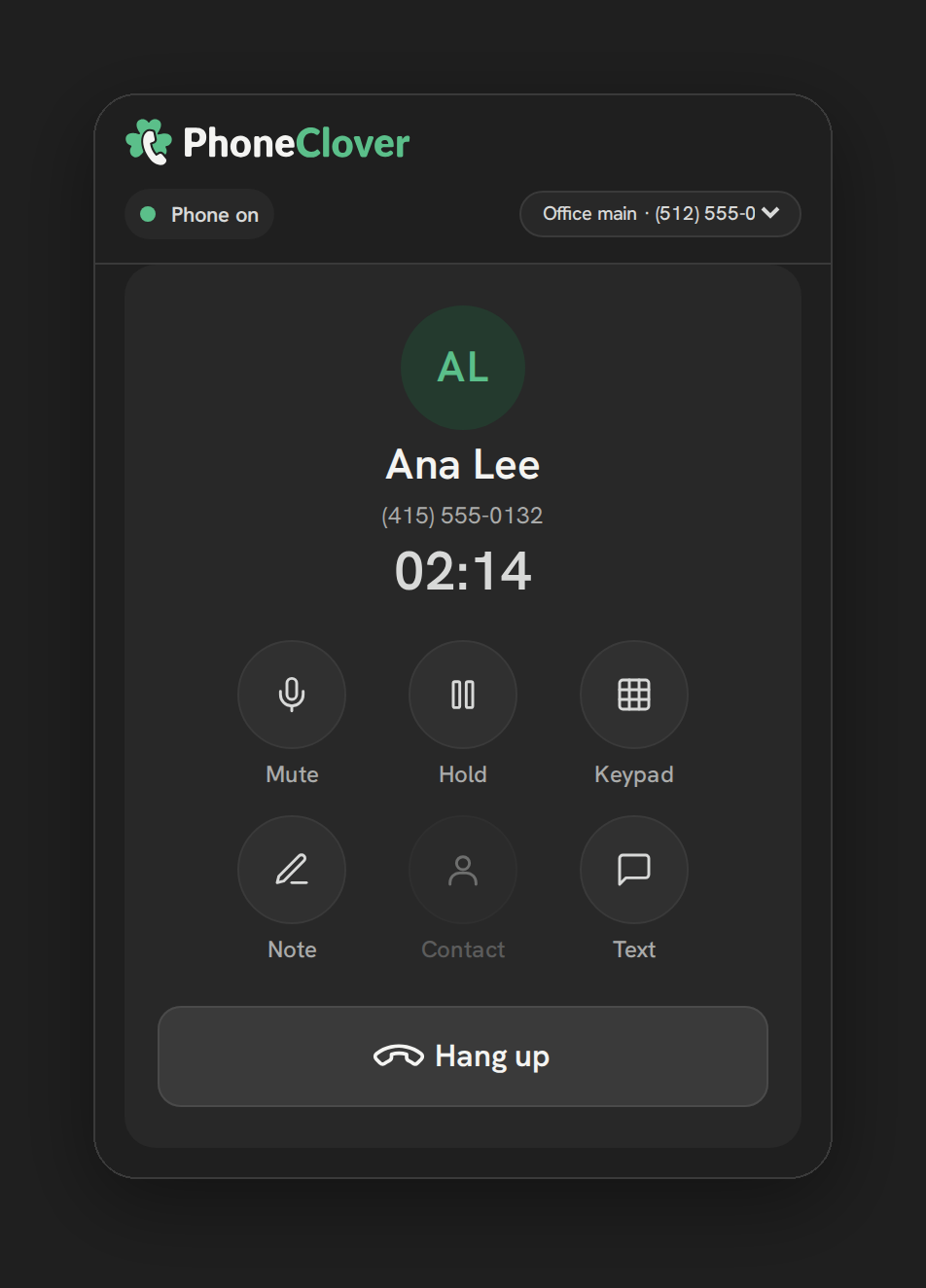
The problem
A call that isn’t recorded is a call nobody can review later, whether that’s a manager coaching a rep, a dispute about what was promised, or just wanting to remember details from a conversation without scrambling for notes during the call itself. And even with a recording, listening back to every call to catch the important parts doesn’t scale for a busy team.
GHL’s own built-in recording already covers the basics, but its AI transcription add-on runs roughly $0.024 per recorded minute. A team recording a meaningful volume of calls can spend real money on transcription alone, on top of whatever they’re already paying for the phone system itself, which is part of why teams look for a lower-cost way to get the same transcript and summary without giving up the underlying recording.
Recording handles the first problem and is built into Phone Clover at no extra cost. Transcription and an AI summary handle the second, included in Pro.
How it works in HighLevel
An admin turns on recording from Settings → Calls → “Recording,” with a switch for “Record incoming calls.” Outgoing calls aren’t toggled per call; instead a read-only badge on the call shows either “Recorded by an account setting” or “Not recorded,” based on the account-level setting. Once a call is recorded, it appears in the dashboard’s call log, and expanding that row shows a recording player using a signed URL that’s valid for 1 hour after it’s generated.
If a sub-account has the AI notes add-on turned on, the same Settings → Calls → Recording area shows a “Transcribe and summarize” switch. When it’s actually entitled, a background job processes recent recorded calls, up to 2 per minute across opted-in, entitled sub-accounts, on calls that have a recording and started within the last 2 days. It transcribes the audio, then writes a short summary, 2 to 5 bullet points plus a “Next step:” line, to the contact as a GHL note, alongside the transcript itself, capped at 4000 characters.
Every option explained
| Setting | Where | What it does |
|---|---|---|
| Record incoming calls | Settings → Calls → “Recording” | Turns on recording for inbound calls |
| Outgoing recording badge | Shown on each outgoing call | Read-only; reflects an account-level setting, not a per-call choice |
| Transcribe and summarize | Settings → Calls → “Recording” | Opts a sub-account into AI notes; the switch stays disabled with “Paid add-on… Contact support” until we’ve entitled the sub-account |
Note: The “Transcribe and summarize” switch is visible to every admin, but it only works once the sub-account’s entitlement has been turned on directly by us. Until then, turning it on returns an error rather than starting transcription.
What runs on Telnyx
Recording is captured through Telnyx’s call-recording API, set to record the full call, and the resulting audio file is stored in our own storage after the call ends. Telnyx is not involved in the transcription or summary step itself, that part runs on Cloudflare Workers AI: Whisper for speech-to-text, and Llama 3.3 70B to write the summary from the transcript. Telnyx’s role stops at delivering the recorded audio.
Who uses it
Admins turn recording and, where entitled, AI notes on from Settings → Calls. Reps benefit from both without configuring anything themselves: their calls get recorded once the setting is on, and if AI notes is entitled, a summary shows up as a note on the contact they were talking to, without them writing it.
What to expect
Recording is included and free. AI transcription and summaries are included in Pro and Agency plans, and we turn the entitlement on for your sub-account on request. The summary appears as a GHL contact note, alongside the transcript itself, capped at 4000 characters. Short calls, silent recordings and oversized files are quietly skipped rather than billed, and a failed transcription doesn’t retry, so it won’t double the cost of the same call.
AI Notes is included in Pro and Agency plans, with 1,000 recorded minutes per sub-account per month, then $5 for each extra 1,000 minutes (early-access pricing). We turn the entitlement on for your sub-account on request.